Installing Fedora Linux in the Simplest Possible Way
Put the Fedora on your computer.
Fedora is one of the most dependable Linux distro choices. It is cutting edge, backed by Red Hat, features newer features and has a wide community support.
If you have chosen to use it as your main desktop operating system, let me show you the steps for installing Fedora.
Warning: Please note that this will erase any other operating system and all the data on your computer and install a fresh Fedora Linux on it. If you have important data on the computer, please copy them on an external disk.
With that warning in place, let’s see how you can install Fedora. The entire procedure is composed of three main steps:
Creating a live USB of Fedora (on any computer)
Booting into live Fedora USB (on the computer where you have to install it)
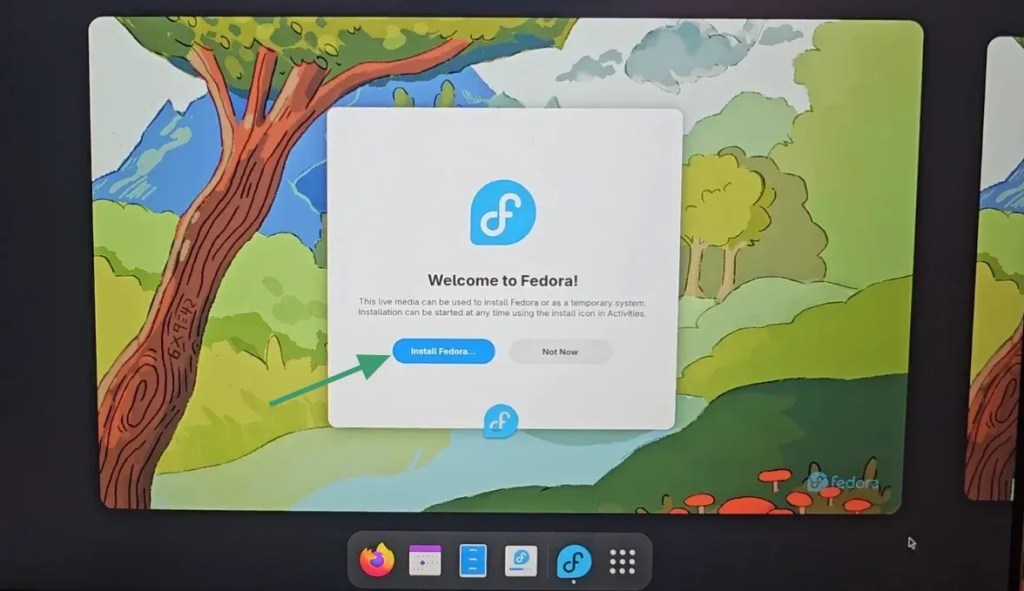
Installing from live USB (should take around 5 to 10 minutes)
Booting into the freshly installed Fedora and setting up the user account
Let’s see these steps in detail.
