Written by Jack Wallen, Contributing Writer
May 21, 2024 at 12:01 p.m. PT
Reviewed by Min Shin
If you’re looking to revive that aging laptop, Linux might be your best bet. Find out how easy it can be to make this happen.
When I first started using Linux back in 1997, it was not easy. There was a lot of command line work to do and keeping my 33.6k modem online was a nightmare, which meant I had to write a bash script to keep it connected. With some serious persistence, I made the OS work — and eventually made a career out of covering Linux and open-source software.
Today, if you have a laptop that was built within, say, the last 10 years, you shouldn’t have any problem installing Linux on it.
But how? Let me show you just how easy it is.
The first thing to keep in mind is that we’re going to wipe away the current operating system on your laptop. You’ll first need to make sure you’ve saved every file and directory that you want to keep onto an external or USB drive. If you don’t have either of those things, upload those files to a cloud storage account.
Once you’ve backed up all the data you need to keep, you’re ready to install.
What you’ll need: To make this work, you’ll need the following:
(1) A laptop that was made within the last decade
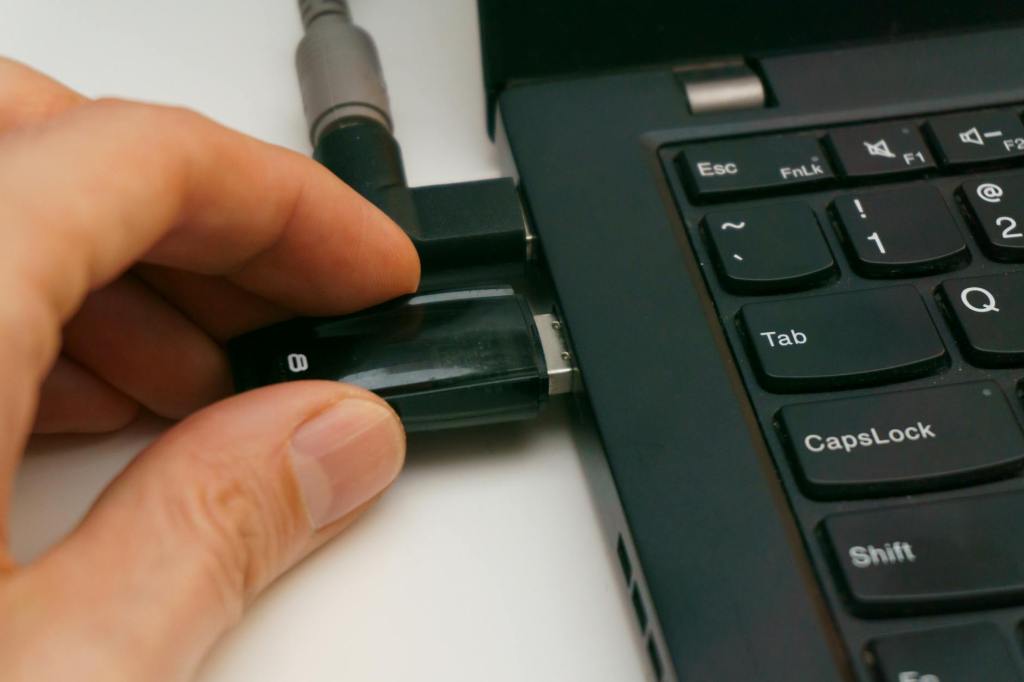
(2) A bootable Linux USB drive
I demonstrate the process below by installing the daily release of Ubuntu Desktop, which uses the installer that debuted with Ubuntu 24.04, which was released April 2024.
